
AI systems that move work forward.
Custom AI agents and workflow automation for businesses ready to reduce repetitive work, connect fragmented systems and scale execution.
We design AI-powered workflows that can interpret information, use approved tools, trigger actions, route exceptions and involve people where judgement or approval is required.
Discuss Your AutomationExplore AI Services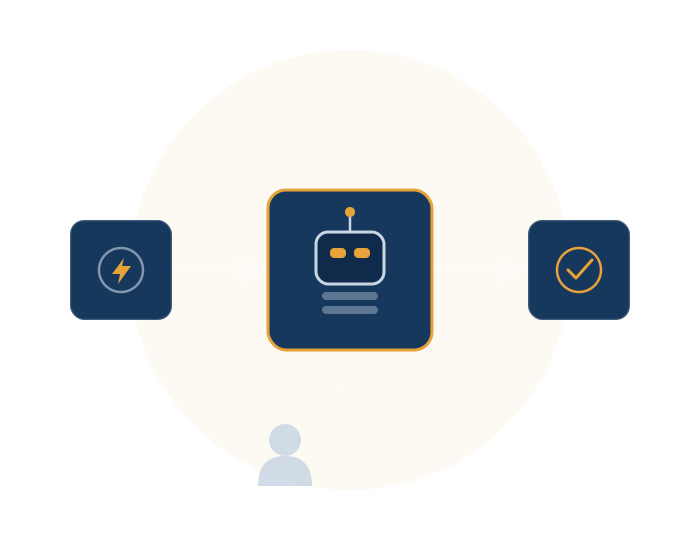
Don't automate the task. Redesign the workflow.
Businesses often lose time in handoffs: a lead arrives in one system, documents sit in email, data is copied into a CRM, a manager waits for approval and a report is assembled manually.
AI automation can combine intelligent interpretation with deterministic workflow logic — from inbound signals (email, WhatsApp, forms) through understanding (classify, extract, reason) into action (CRM, ERP, API, message) and control (approve, escalate, log). AI handles appropriate cognitive tasks, software handles repeatable actions and people retain control over decisions that need human judgement.
That is the difference between adding AI to a process and designing a process around AI.
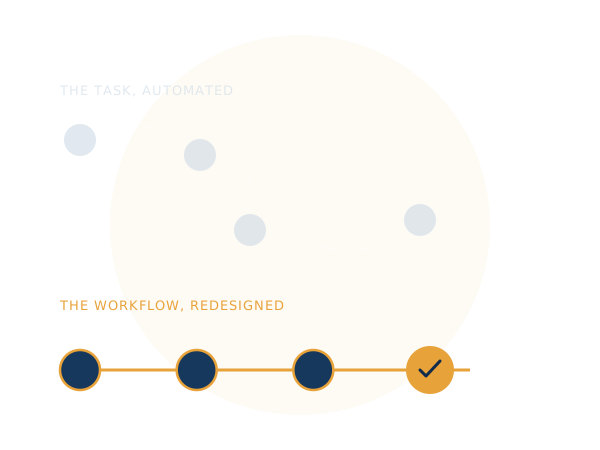
From one high-value workflow to an AI-enabled operating layer.
Start with a measurable use case, build the integration and control architecture, then scale where the business case is proven.
AI Agent Development
Build task-focused AI agents that interpret goals, retrieve information, use approved tools and complete defined multi-step tasks.
Build an AI AgentAI Workflow Automation
Automate intake, classification, routing, approvals, notifications, data movement, reporting and exception handling.
Automate a WorkflowIntelligent Document Processing
Extract, classify, summarise and route information from invoices, applications, contracts, forms and business documents.
Automate DocumentsAI Copilots & Assistants
Contextual AI assistance for research, drafting, knowledge retrieval, analysis, internal support and decision preparation.
Explore CopilotsAI Integration Services
Connect AI systems with CRM, ERP, HRMS, databases, communication channels, APIs and business applications.
Connect Your StackAI Governance & Guardrails
Define permissions, approval gates, audit trails, data boundaries, escalation paths, evaluations and monitoring.
Discuss AI ControlsAI Analytics & Monitoring
Monitor workflow runs, exceptions, usage, outcomes, costs and operational signals to improve automation over time.
Monitor PerformanceAI Automation Optimisation
Improve prompts, routing, retrieval, tool use, exception handling, workflow performance and adoption after launch.
Optimise Your SystemDesigned for action, integration and control.
Enterprise AI automation needs more than a model: it needs context, tools, permissions, workflow logic, observability and boundaries between autonomous action and human approval.
Task Planning & Execution
Break defined objectives into steps, select approved tools and execute within controlled scope.
Tool & API Use
Connect agents to approved APIs, databases, CRM, ERP, documents and business applications.
RAG & Enterprise Knowledge
Ground outputs and actions in approved internal documents, knowledge bases and structured data.
Event-Driven Automation
Trigger actions from forms, messages, system events, schedules and workflow conditions.
Human-in-the-Loop
Require review for sensitive, irreversible, financial or exception-based actions where appropriate.
Context & State
Maintain relevant task state and context where the workflow requires continuity across steps.
Logs & Monitoring
Track workflow execution, tool calls, failures, exceptions and operational outcomes.
Quality & Evaluation
Test outputs and workflow behaviour against defined scenarios before and after production changes.
Access & Data Boundaries
Use scoped access, role-based permissions and defined data boundaries appropriate to the application.
Automate the work that repeatedly consumes attention.
High-value automation often starts where information moves between people and systems or where repetitive cognitive work slows the team.
Lead Qualification
Capture enquiries, classify intent, enrich information, score leads, route them and update CRM records.
Support Automation
Answer knowledge-based queries, classify tickets, draft responses, route cases and escalate when needed.
Process Orchestration
Coordinate multi-step tasks across applications, approvals, documents, notifications and systems.
Document Intelligence
Extract and validate information from applications, invoices, contracts, forms and semi-structured content.
Content Operations
Support research, briefs, repurposing, approvals, publishing workflows and performance summaries.
Finance Workflows
Assist with document processing, reconciliation support, reporting and exception routing with controls.
Employee Workflows
Support onboarding, knowledge access, document collection, employee queries and workflow routing.
Admissions & Student Operations
Support enquiry handling, lead qualification, document workflows, communication and reporting.
Connect AI to the systems your business already runs.
Technology choices should follow workflow and security requirements rather than force every business into the same AI stack.
- LLMsModel orchestration
- RAGGrounded knowledge
- APIsSystem connectivity
- CRMSales & customer data
- ERPBusiness operations
- WhatsAppCommunication flows
- Voice AICall automation
- DatabasesStructured data
- SSOIdentity & access
- WebhooksEvent triggers
Start with the workflow. Scale after the evidence.
A disciplined process reduces the risk of automating the wrong process and creates a measurable path from discovery to production.
- DISCOVER
Map
Understand workflow, systems, people, exceptions, data and business outcome.
- PRIORITISE
Score
Assess automation potential, complexity, risk, volume, value and readiness.
- DESIGN
Architect
Define agent boundaries, tools, data access, approvals and exception paths.
- BUILD
Develop
Build agents, integrations, workflows, prompts, retrieval and application layers.
- TEST
Evaluate
Test realistic scenarios, edge cases, permissions, quality, failures and escalation.
- OPERATE
Optimise
Monitor outcomes, resolve exceptions and improve the automation roadmap over time.





Questions businesses ask before implementing AI automation.
What are AI agents?
AI agents are software systems that can interpret goals or inputs, use approved tools and data, and take actions within defined boundaries, with appropriate monitoring and escalation.
What is AI workflow automation?
AI workflow automation combines AI capabilities with business process automation to classify information, support decisions, trigger actions, move data between systems and route exceptions.
What is the difference between an AI agent and workflow automation?
Workflow automation generally follows defined process logic, while an AI agent can interpret context and select actions within a controlled scope. Enterprise solutions often combine both.
Can AI agents integrate with CRM, ERP and WhatsApp?
Subject to APIs, connectors and security requirements, AI systems can integrate with CRM, ERP, communication platforms, databases and other business applications.
How do you keep AI automation controlled?
Production systems can use scoped permissions, approval gates, human review, audit logs, monitoring, evaluation, exception handling and controlled data access.
Show 1 more questionShow fewer questions
How much does AI automation cost?
Cost depends on workflow complexity, integrations, AI models, data, security, monitoring, usage and support. A workflow discovery and technical scope should precede an estimate.